> For the complete documentation index, see [llms.txt](https://docs.innopaas.com/llms.txt). Markdown versions of documentation pages are available by appending `.md` to page URLs; this page is available as [Markdown](https://docs.innopaas.com/documentation/documentation-en/readme/innopaas-account-registration-and-login/billing-and-order-inquiry.md).
# Billing and Order Inquiry
## Bill
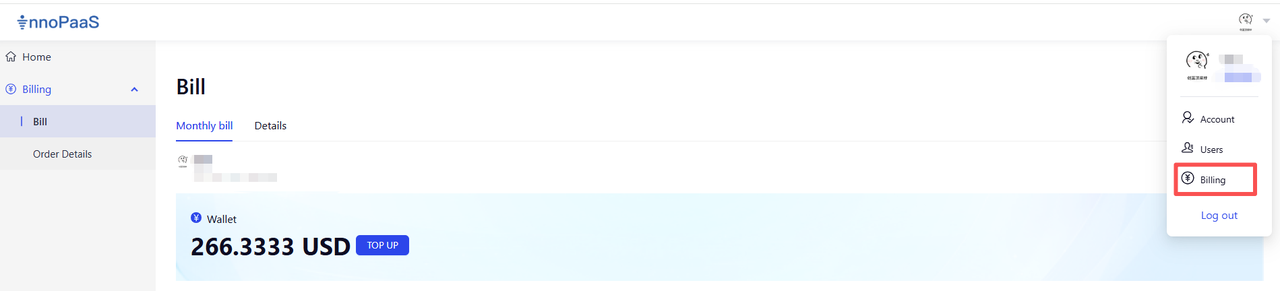
Click "Billing" - "Bill" in the top right corner to enter the bill.
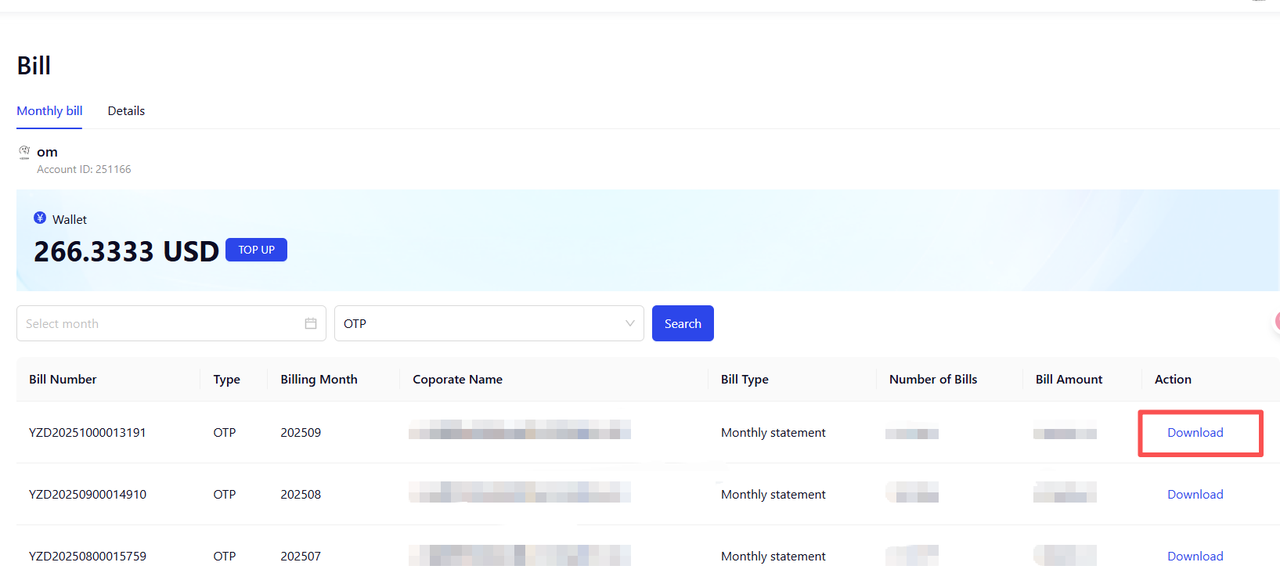
You can filter by month or product type, click the download button, and download the monthly bill.
Click Details to view the specific consumption details.
## Order Details
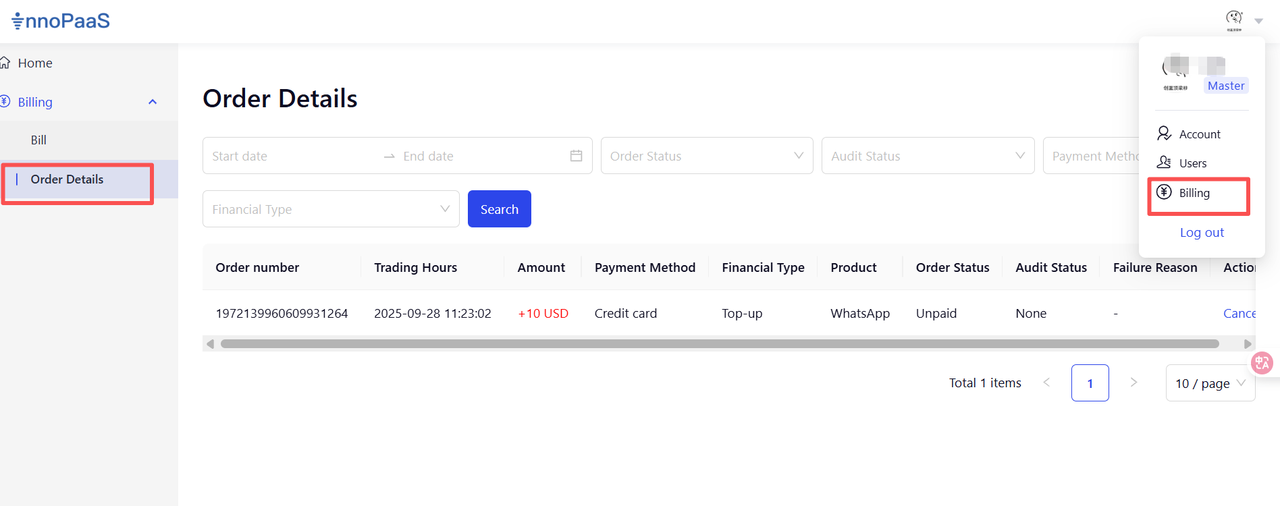
This feature is used to query your recharge and refund records.