> For the complete documentation index, see [llms.txt](https://docs.innopaas.com/llms.txt). Markdown versions of documentation pages are available by appending `.md` to page URLs; this page is available as [Markdown](https://docs.innopaas.com/documentation/documentation-en/whatsapp-product/inbox.md).
# Inbox
Inbox is a real-time chat tool based on WhatsApp, allowing customer service and sales teams to establish closer connections with customers, easily handle inquiries, solve problems, and collect feedback! Inbox provides detailed data analysis reports to help you make data-driven management and decisions.
**Quick start with Inbox** Helps you quickly familiarize yourself with the Inbox interface and the functions of each area.
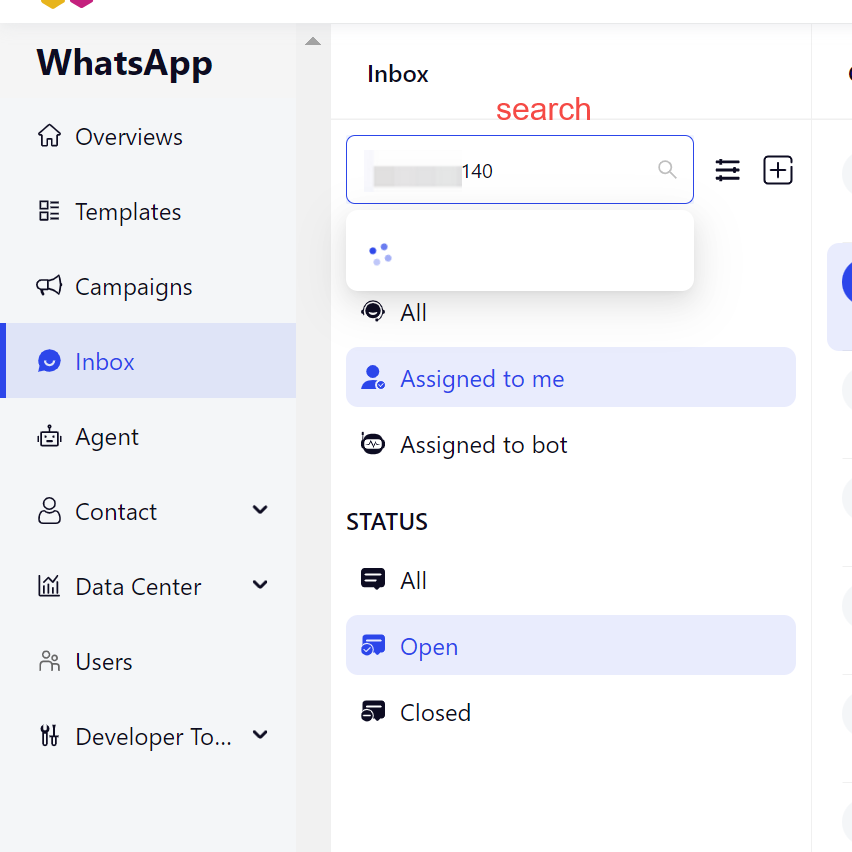
**Basic Search** Inbox supports searching historical chat records by phone number and name. Note that text-based search for conversations is currently not supported.
**Quick Filter** Quickly filter Inbox conversations by allocation status, conversation status, and tags. Each category supports single selection only.
Enter the name or phone number to search for the user's name or phone number.
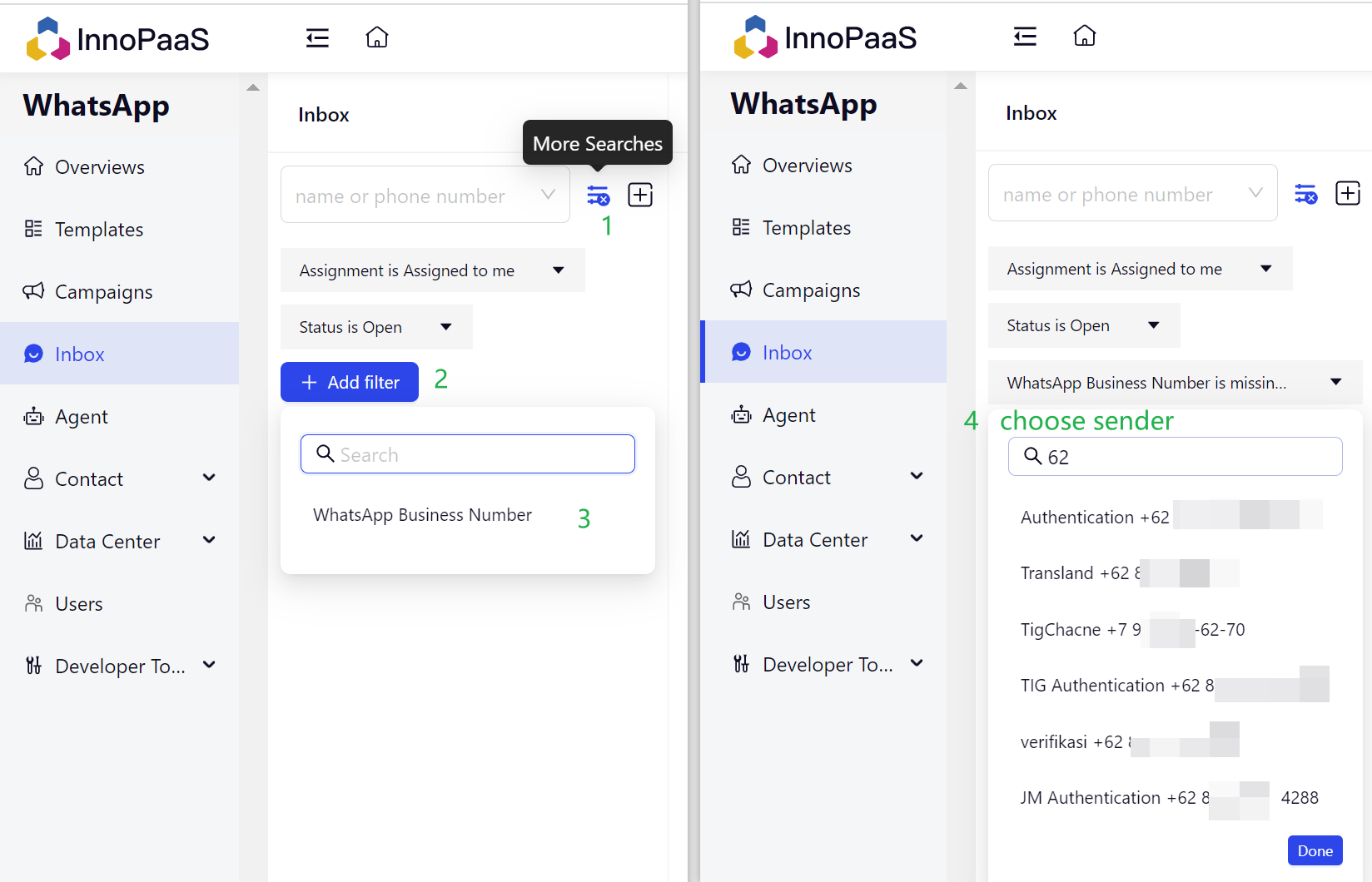
More Searches.
**Conversation Status**
Open
Close