> For the complete documentation index, see [llms.txt](https://docs.innopaas.com/llms.txt). Markdown versions of documentation pages are available by appending `.md` to page URLs; this page is available as [Markdown](https://docs.innopaas.com/whatsapp-chan-pin/editor/tong-zhi-utility-mu-ban.md).
# 通知(Utility)模板
如何在InnoPaaS平台创建WhatsApp通知模板。
## 1. 登录[InnoPaaS账号](https://innopaas.com/control/login)
## 2. 选择WABA
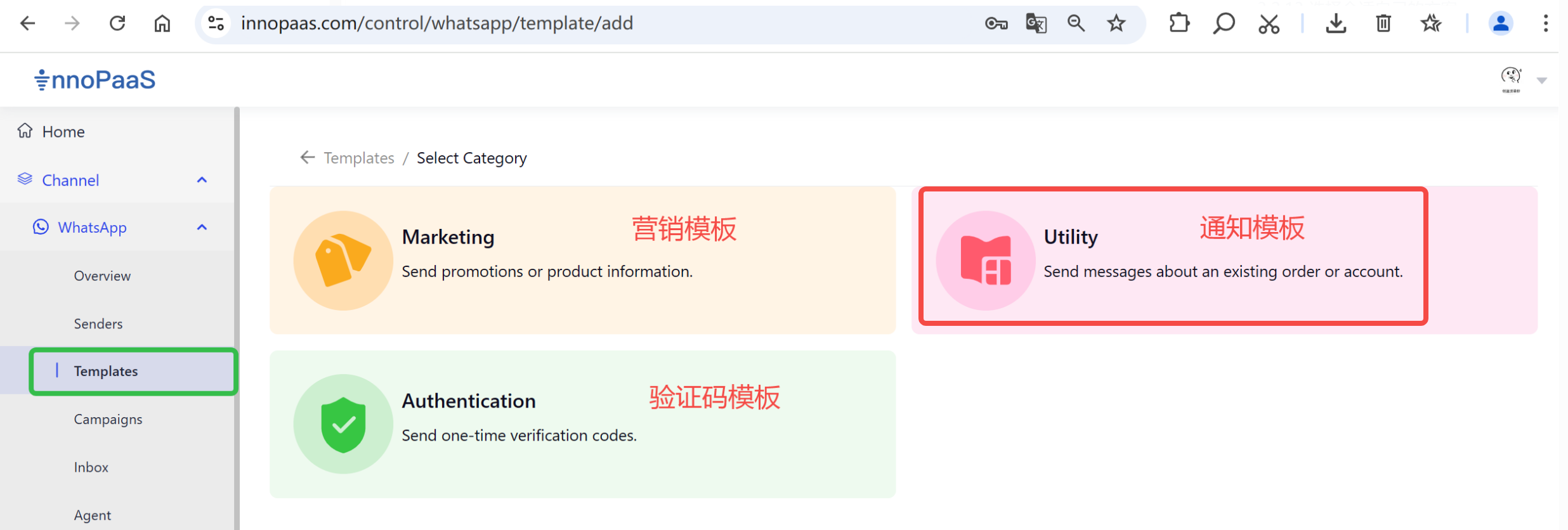
选择WhatsApp产品,选择“Templates”,进入页面后选择想要在哪个WABA下创建消息模板,点击“+ New templates”。
## 3. 选择通知模板类型