> For the complete documentation index, see [llms.txt](https://docs.innopaas.com/llms.txt). Markdown versions of documentation pages are available by appending `.md` to page URLs; this page is available as [Markdown](https://docs.innopaas.com/documentation/documentation-en/whatsapp-product/campaigns.md).
# Campaigns
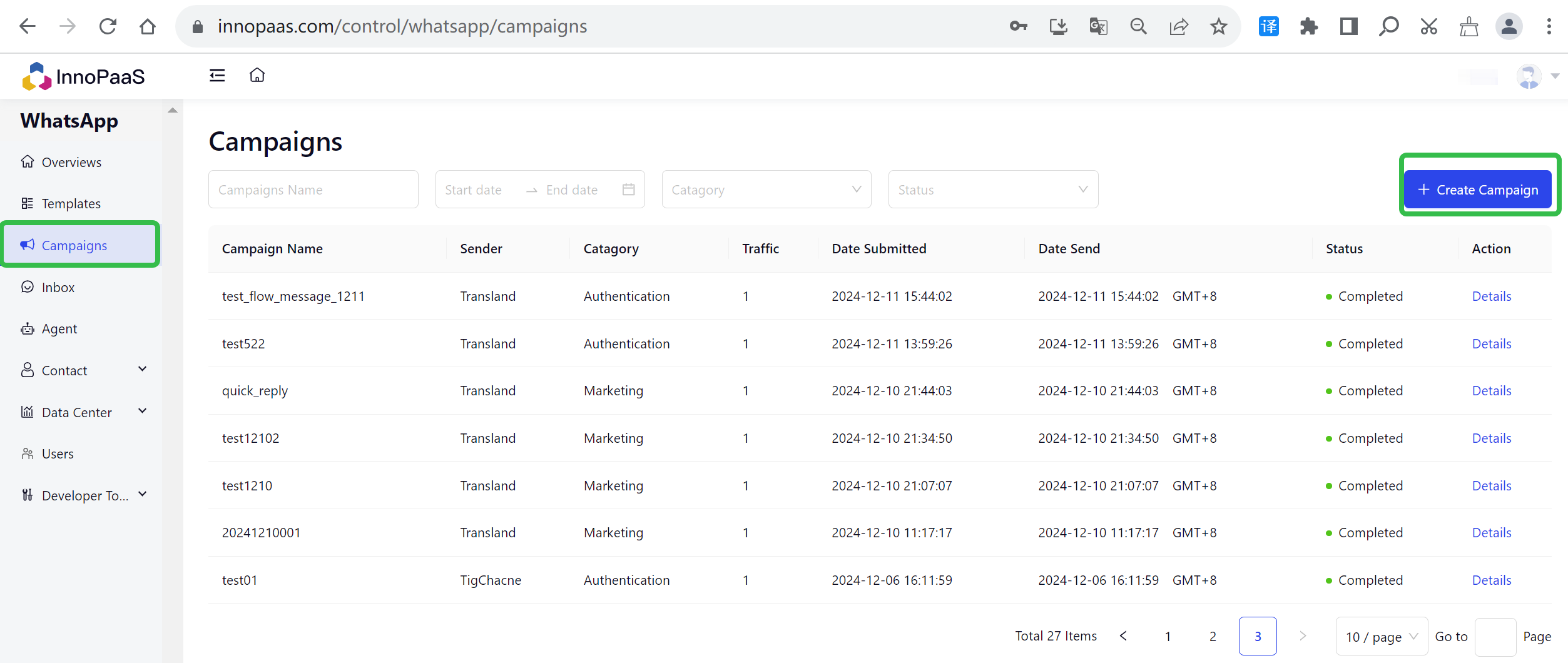
## 1. Campaigns List
Click the "+Create Campaign" button to create a new campaign.
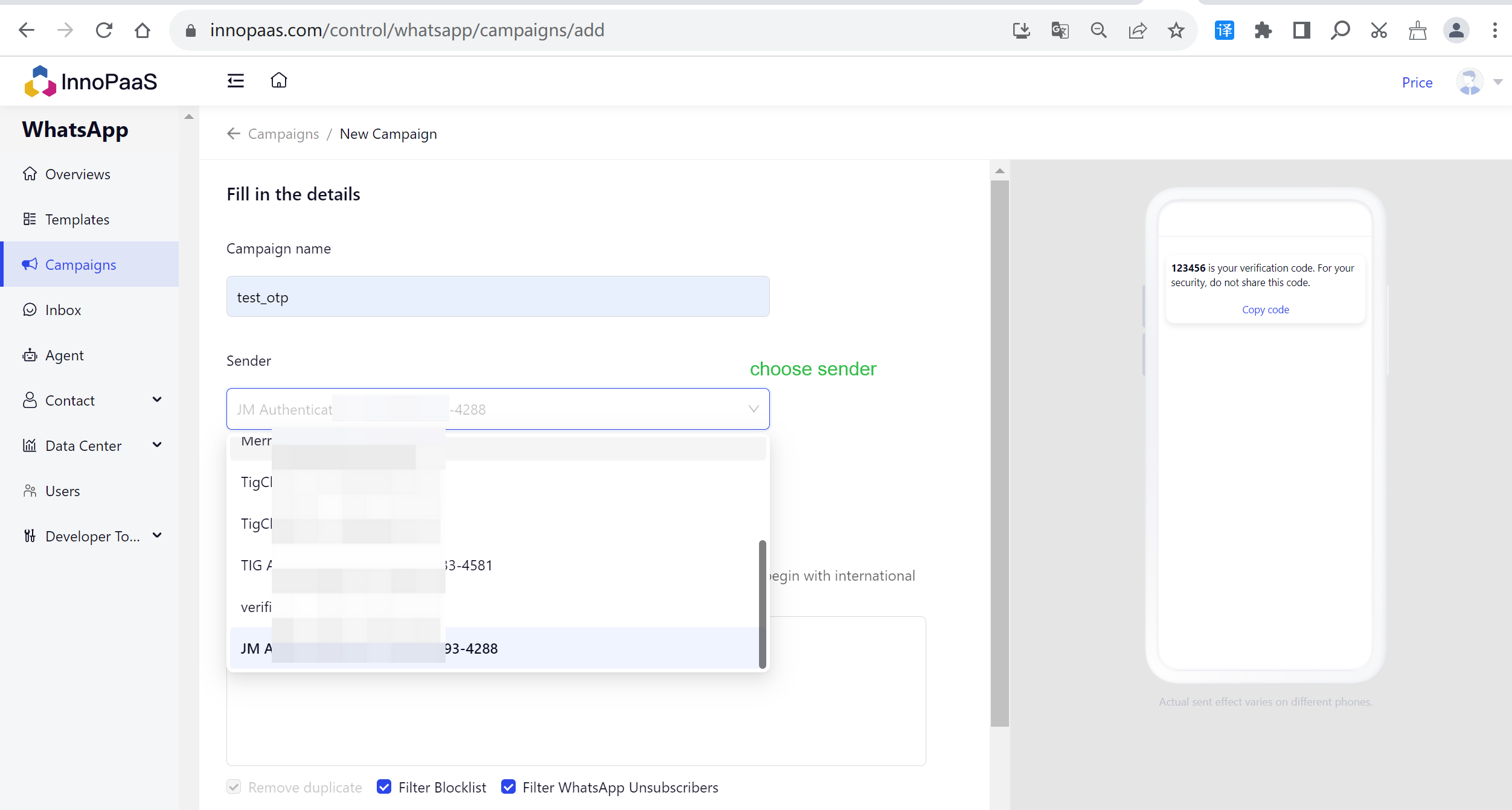
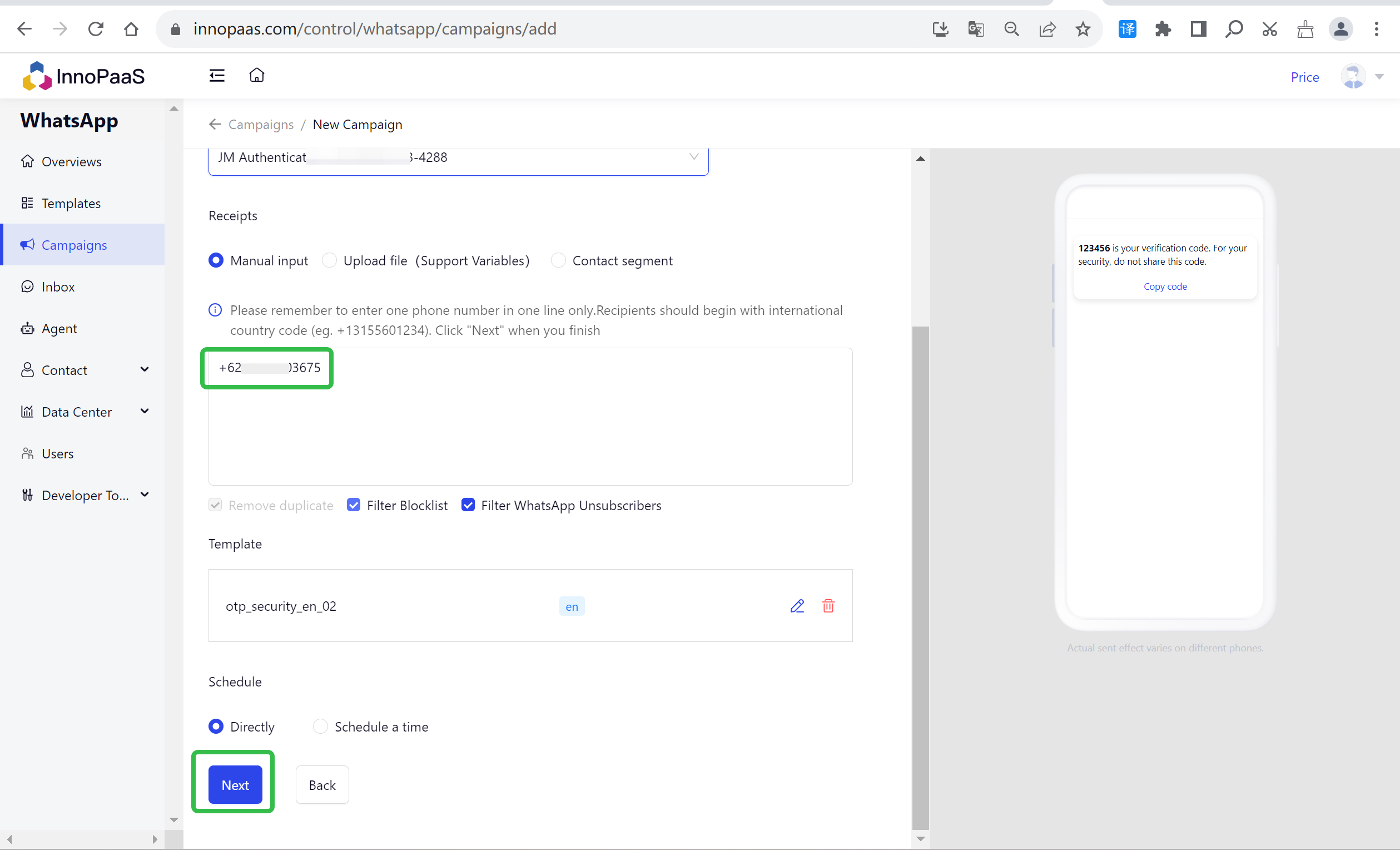
Fill in the details.
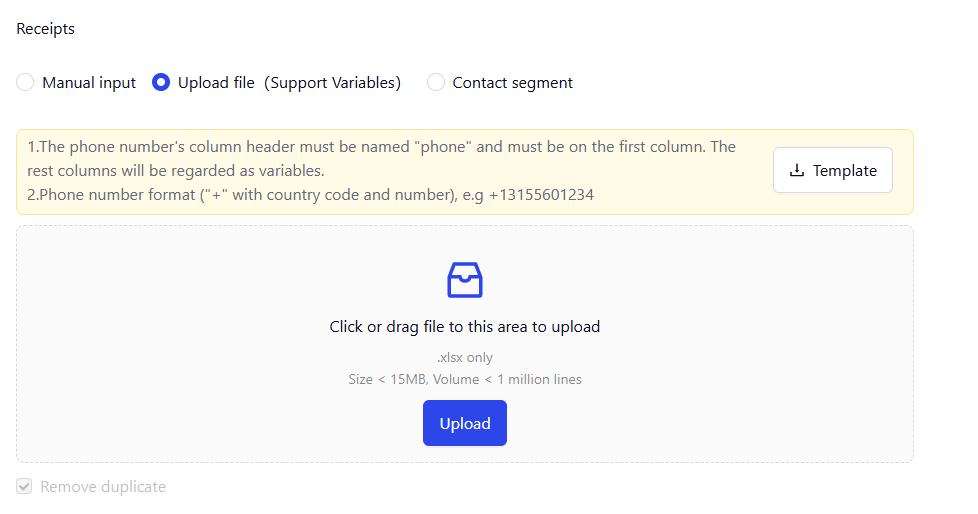
Supports three ways to add receipts: manually input, uploading files and selecting contact segments.
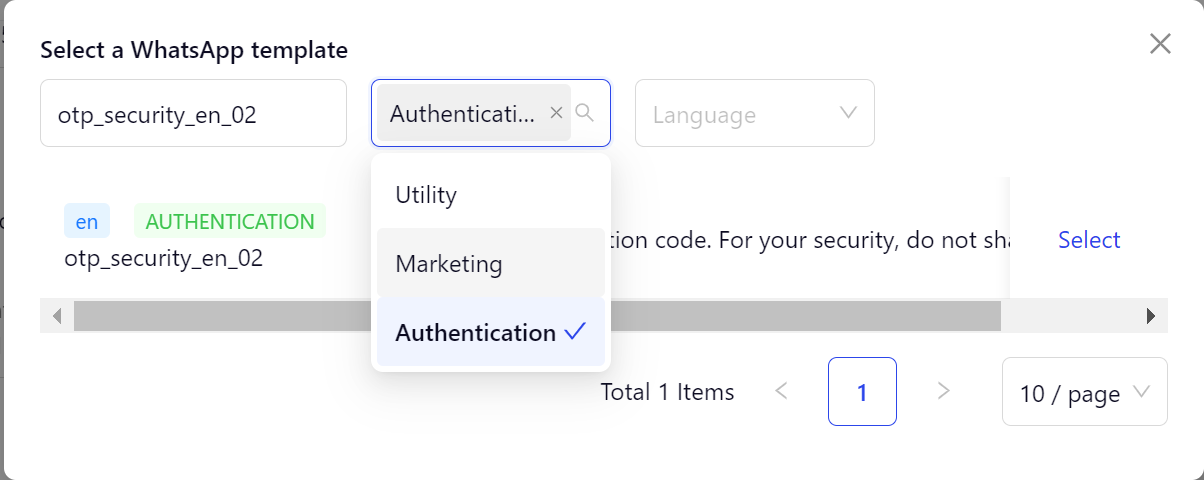
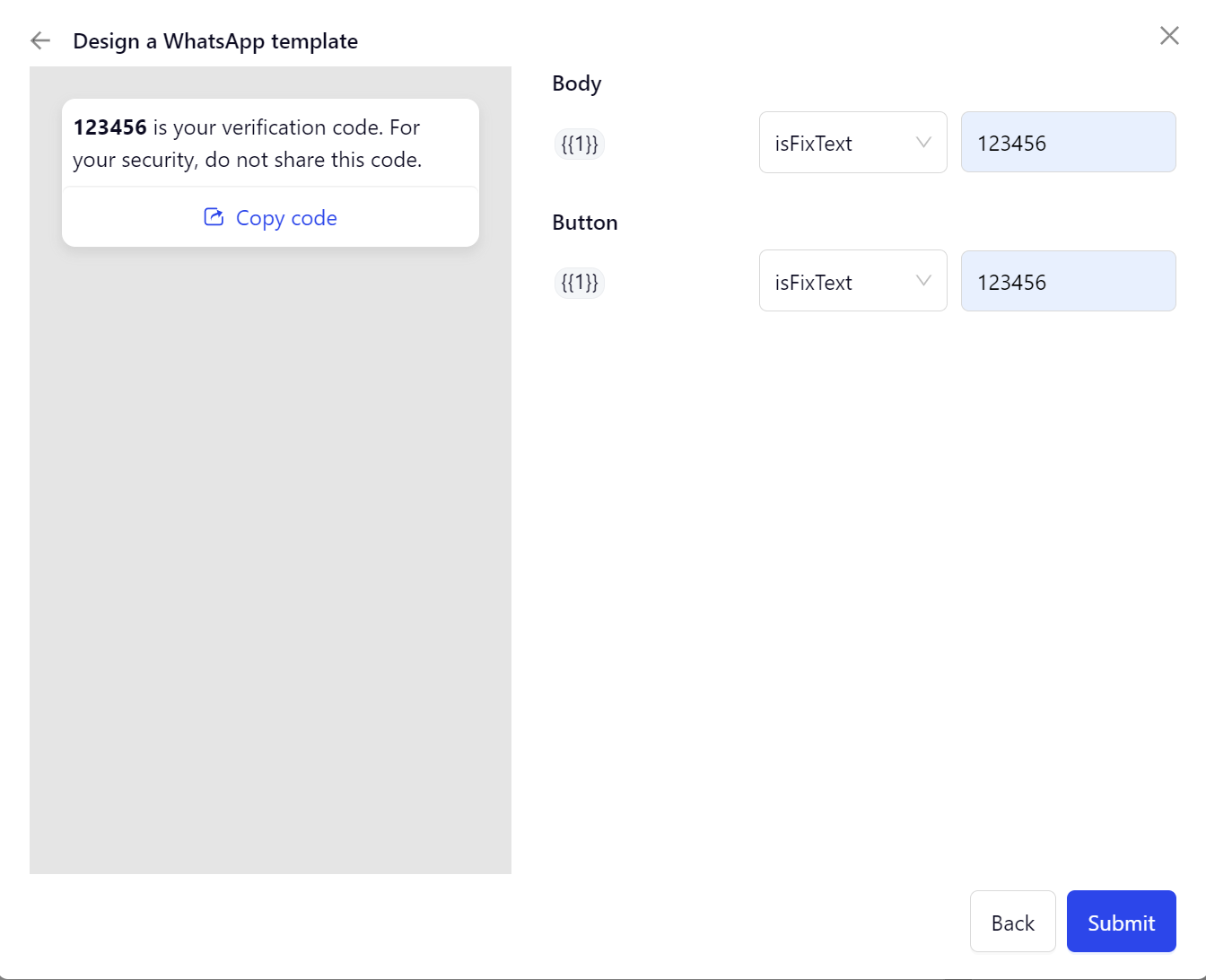
Select a template and fill in the template variables.
Schedule: Support directly and scheduled sending.
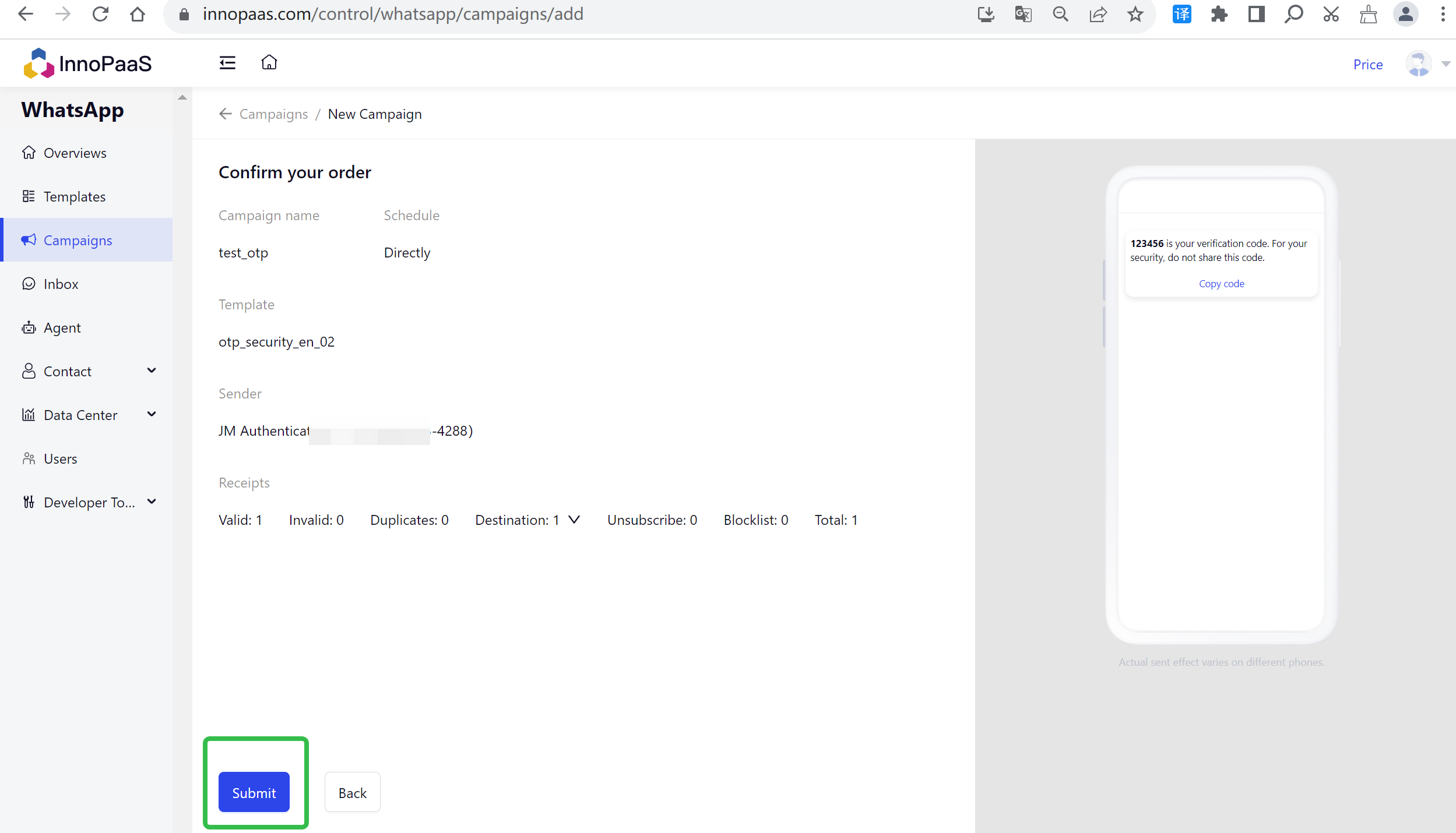
Click 'Next' to send preview.
After clicking the 'submit' button, wait to send.
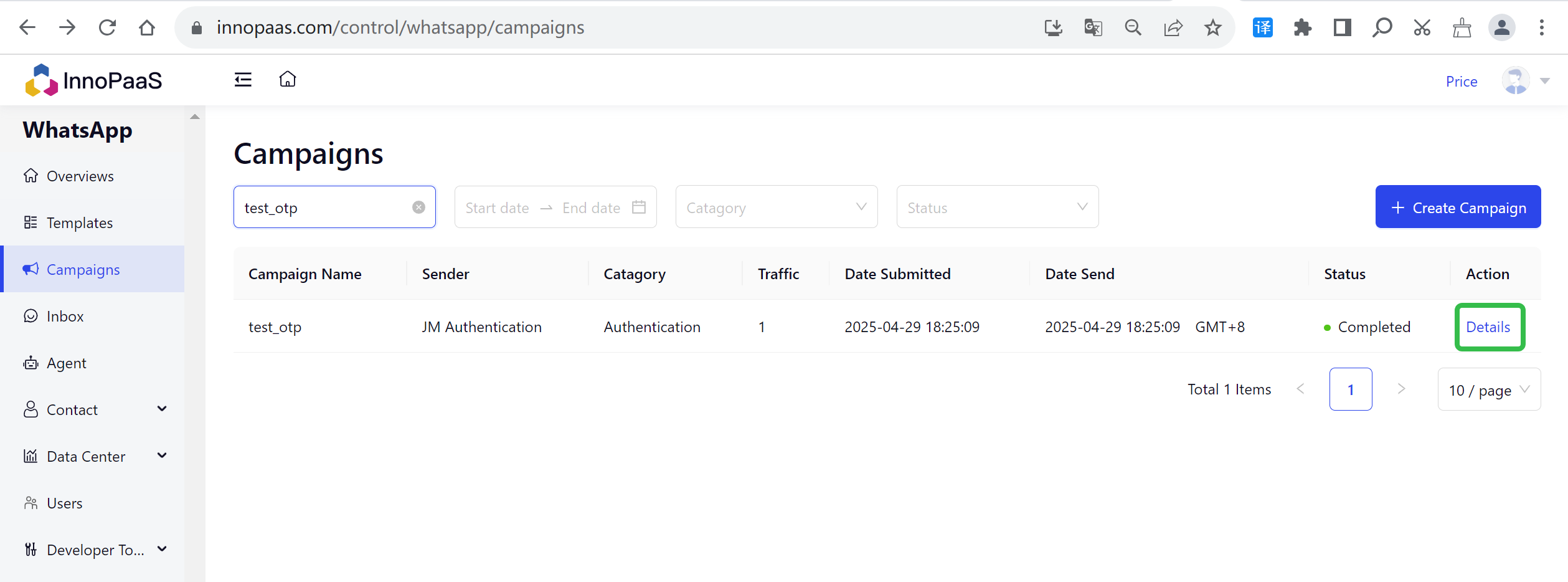
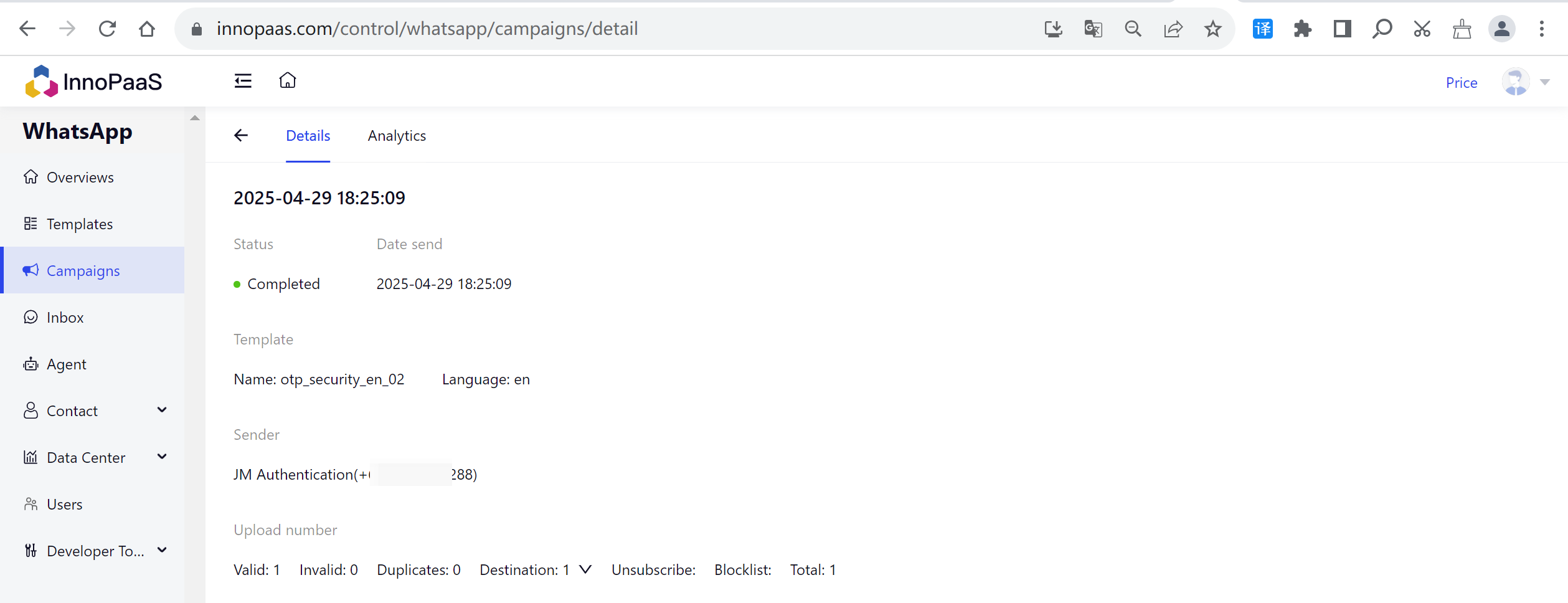
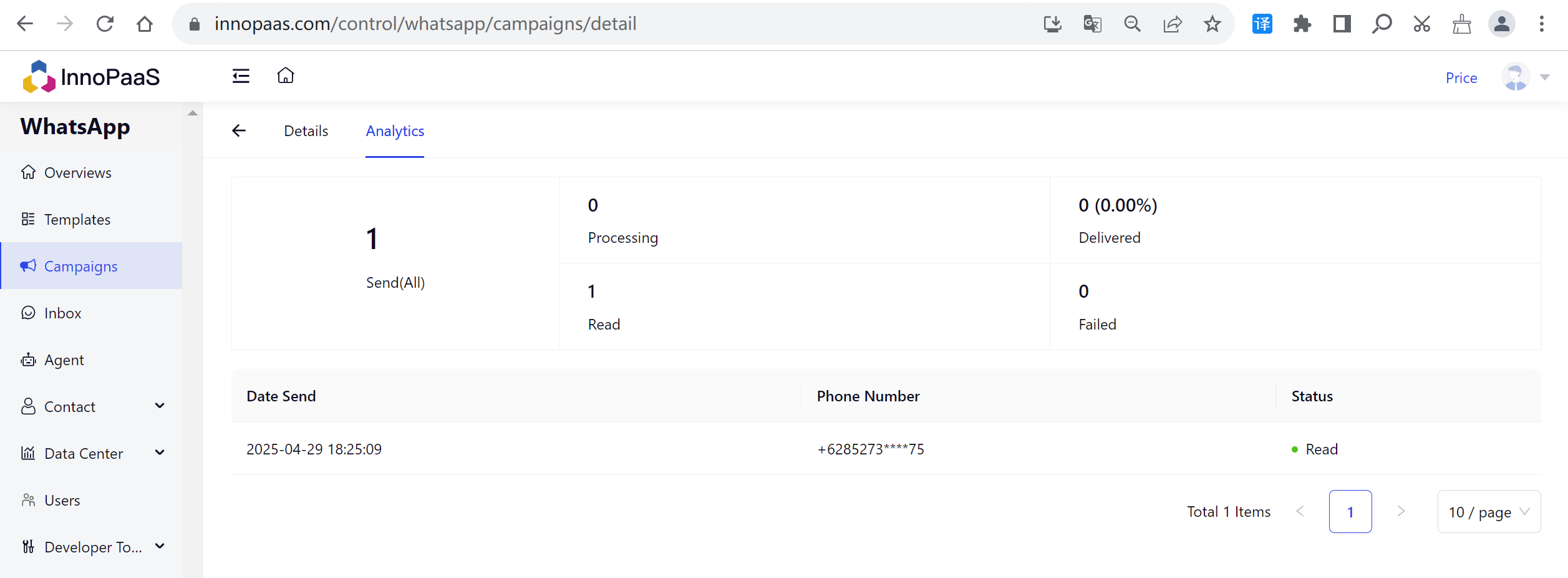
## 2. Campaigns Details
Clicking "Details" allows you to view the details of this batch of message sends, as well as specific data analysis.